Gran Turismo 7 Console Bridge (GT7ConsoleBridge) For MotionMax Manager Software
(c)2023 by Zappadoc - All Rights Reserved.
Edited by EKSIMRacing Foundation

The “Console Bridge” bridges MotionMax Manager software and
FREX 6DOF or 2DOF motion simulator with your game console Sony PlayStation (PS4/PS5) and Gran Turismo 7 (GT7).
Check For update to get the latest plugins and applications.
Getting Started With Gran Turismo 7 Console BridgeThe PS console must be power on and be connected to your local network with Ethernet cable
First time you launch GT7ConsoleBridge.exe it prompts you to enter the IP address of your PlayStation and create the config file “gt7bridge_conf.txt”. You need to grant the communication between the console bridge and playstation when the firewall prompt you to do so.


Launch MotionMax Manager select the default GT7 game profile (gamepad or wheel)

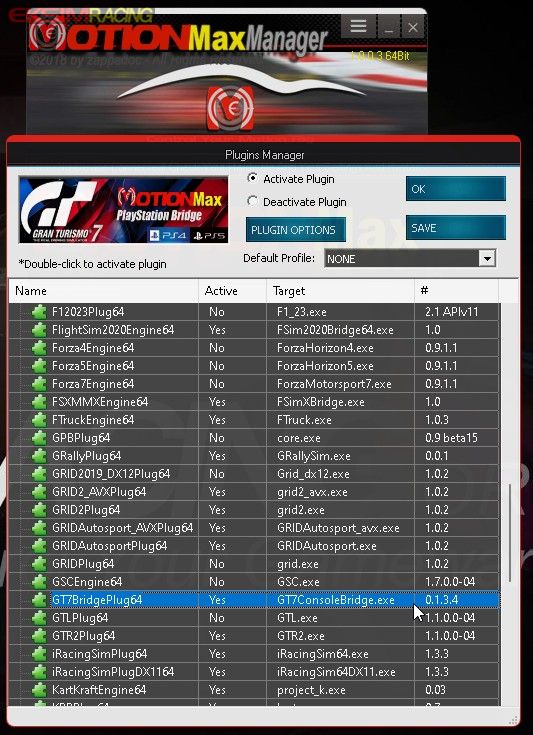
Be sure the GT7ConsoleBridge plugin is ACTIVATED using the Plugins Manager
Start GT7ConsoleBridge.exe on the PC (the app is inside MotionMax Manager directory)
Now run the GT7 game on the console, go on track and enjoy your motion simulator with your GT7 game.
(first release 2023-06-19)
