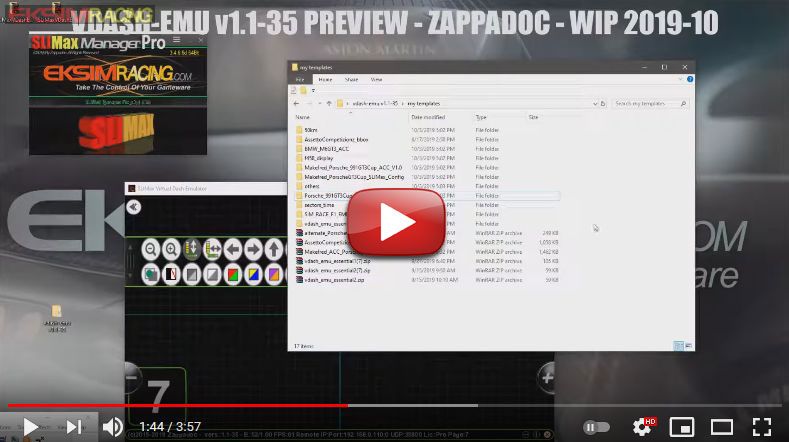
Per installare un display personalizzato (chiamato VDASH-EMU template) sul tuo smartphone/tablet o su Windows, fai così:
- scarica il template + l'immagine di sfondo (se esiste);
- collega il tuo dispositivo al computer tramite cavo usb;
- copia il\i file nella cartella
vdash_template/templates/ ,
o su Windows nella cartella
c:\Users\Username\vdash_template\templates\ (Username = tuo nome utente);
- seleziona il menù "Set/Load Template..." nell'Emulatore utilizzando l'editor integrato.
Dove si trova la cartella vdash_template?
https://www.eksimracing.org/help/dove-si-trova-la-cartella-vdash_template/Windows Drag&Drop Installation Of Template: