
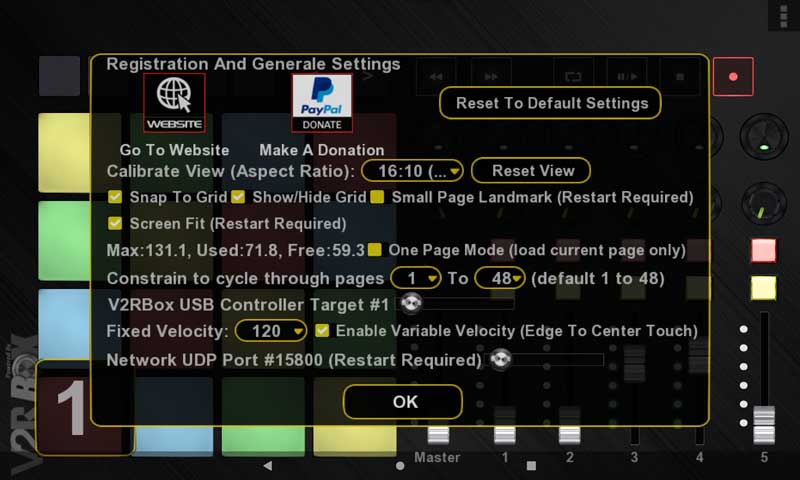
Click Navigation Prefs button on top right to show up all navigation buttons then double click to show the General Options dialog.

Select the aspect ratio matching your device (tablet or multi touch monitor). Select Native option if you want to use the native resolution of your device (useful on PC monitor). Native mode uses a lot more memory than other modes.
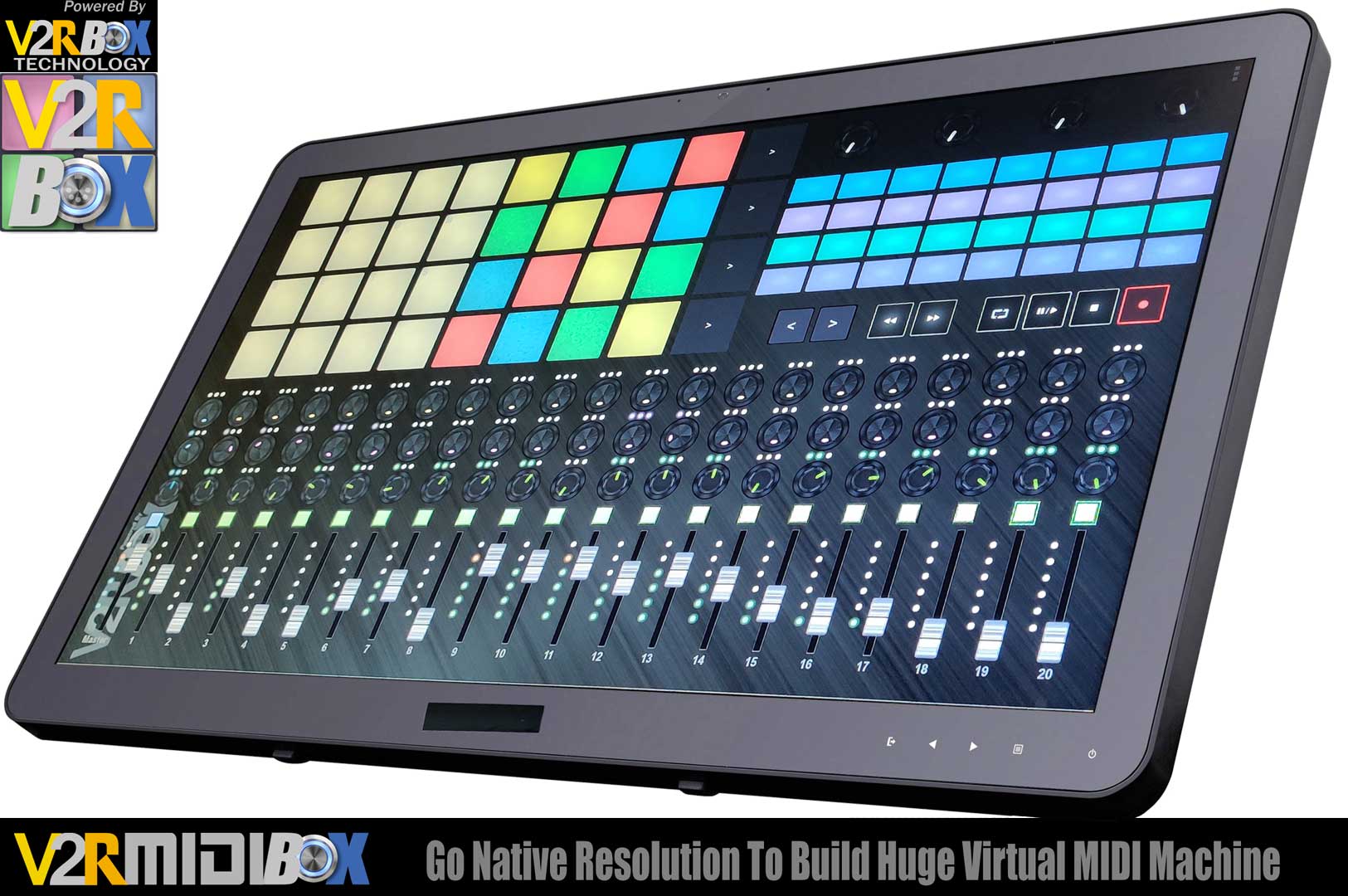
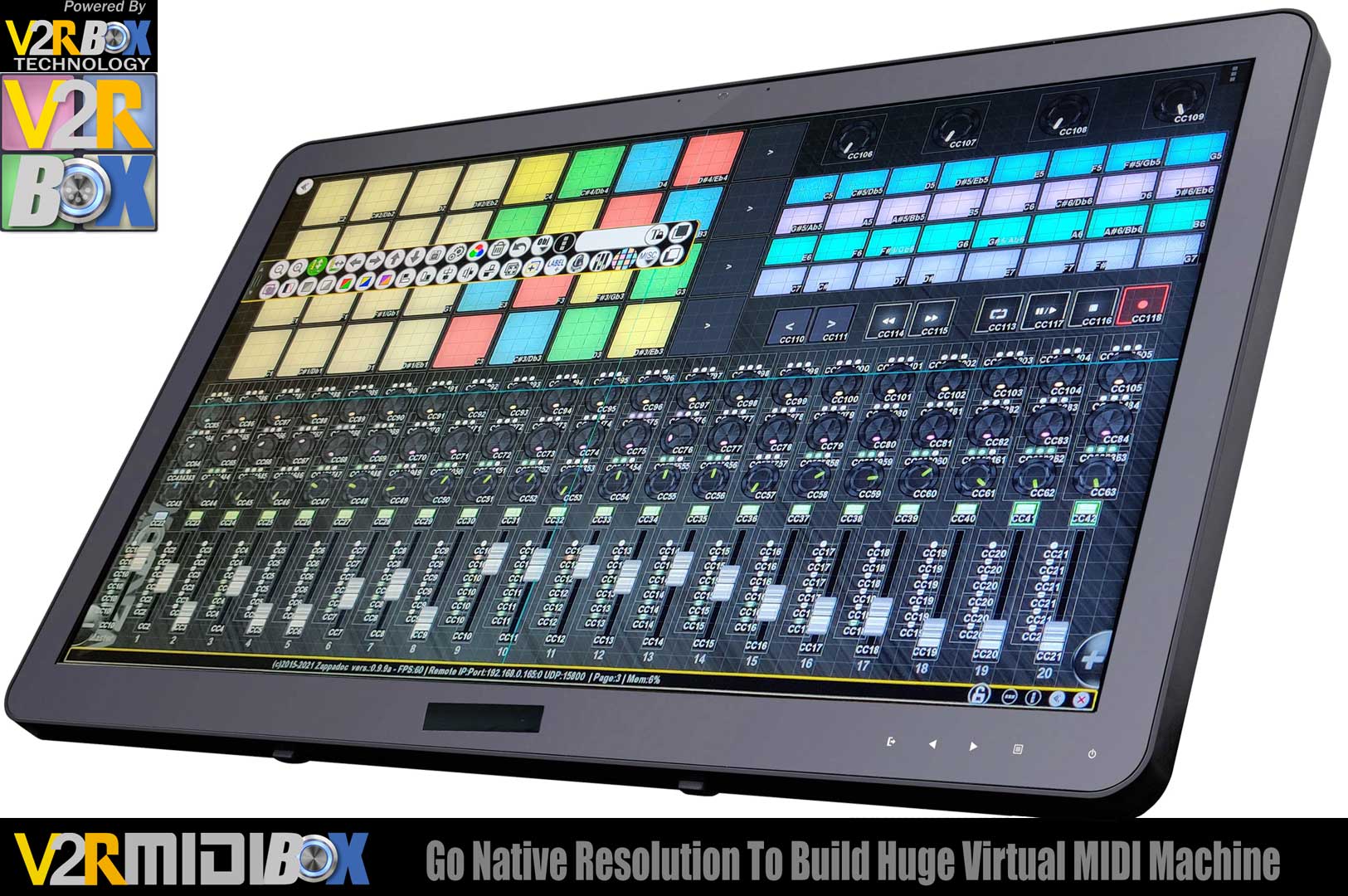
IMPORTANT: If you are sharing your custom templates (your virtual machines in your pages) with other users, be sure to indicate the original aspect ratio or create all the objects on the page to fit the 16: 9 (the smallest aspect ratio mode).
Network UDP must be configured if you use more than one V2RMidiBox, click this link for more info. Keep this option to 15800 if you use only ONE V2RMidibox.
If you have more than one USB V2RBox Controller connected to your PC, “lock” each V2RMidiBox app to target one controller. You can use up to 4 USB V2RBox MC1 controller.

Activate/deactivate the dynamic velocity, the variable velocity depending the hit point of pad note from side (min velocity) to center (max velocity). If this option is deactivated the fixed velocity value is used.
