

This is a major update for the Windows and Android digital racing dash emulator. In addition to fixing dozens of bugs, this update contains numerous new features.
IMPORTANT: VDASH-EMU v1-1.41.3 and OpenSR server are required
(Check For Update to get the latest software).
The changelog is big, so we’ve highlighted the main new features. The update is free for all VDASH-EMU license holders.
A small contribution of $1 is required for the Stream Deck license to help the foundation and to eventually allow us to add support for other Stream Deck models.

STREAM DECK


In the Windows version, after USB Vocore screens, native support for Stream Deck (original V2, MK2, XL v1, and XL V2) is now included meaning you only need OpenSR server and VDASH-EMU software to manage your Stream Deck devices.
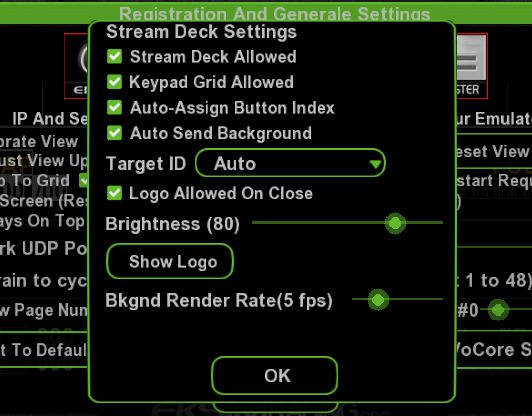
New Stream Deck settings button in General Options to activate the device, show/hide the grid, auto assign button index when the grid is visible and you move object on it, auto send background image to the Stream Deck, menu to select your device when you have more than one Stream Deck connected, keep logo on closing app or not, set the global brightness and render rate of the background image (keep it low as it doesn’t change often).
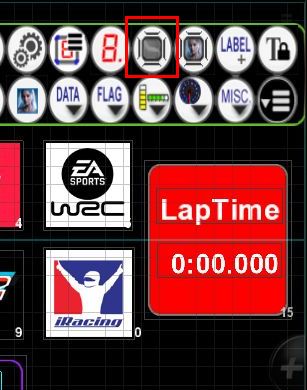
A new Keypad “Button Area” object allows you to define the area of a Stream Deck button. Everything inside this area is visible on the Stream Deck button, making it easy to display telemetry and other dynamic content.
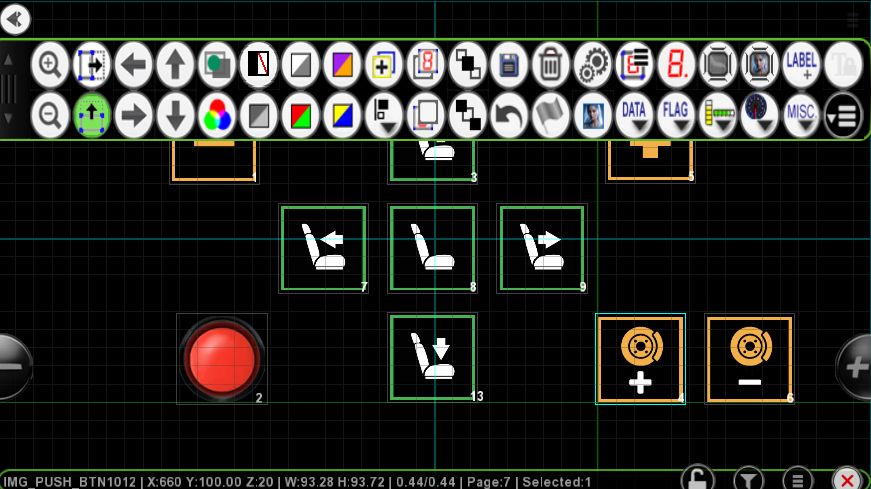
The standard button object (PushButton) and image button (Image PushButton) display their content on the Stream Deck (pressed/down and released/up images). Pressing the Stream Deck button activates or deactivates the corresponding button.
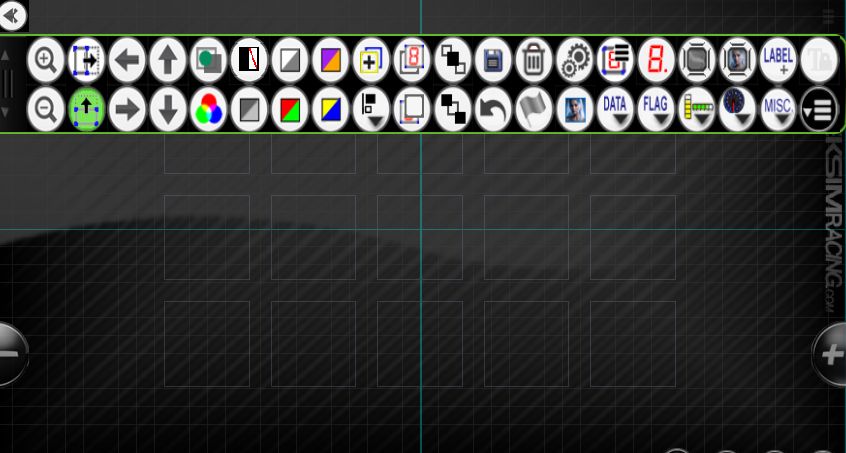
New Stream Deck keypad grid available
Keypad grid auto-indexing function can be enabled: When enabled, moving a button object near a grid square automatically assigns the corresponding index to the button.
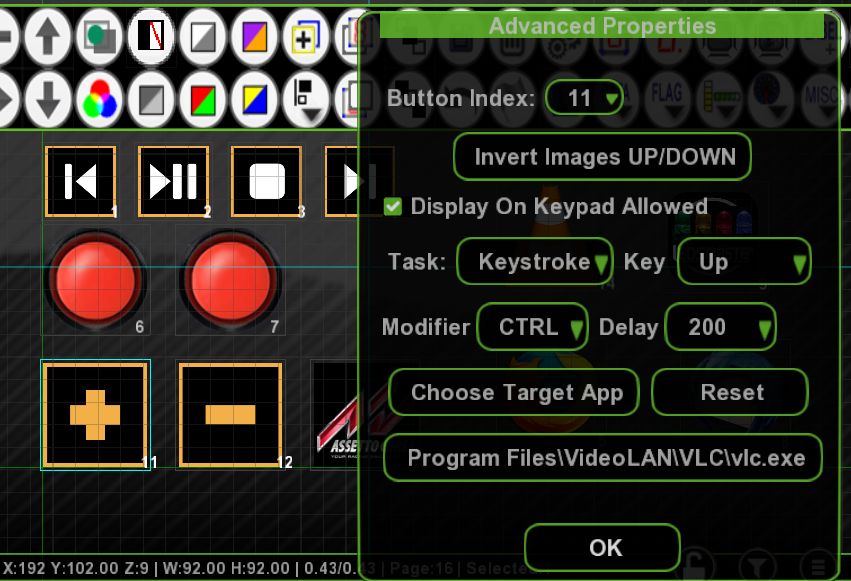
The button object allows you to define a Keystroke Task that simulates keyboard key presses to send to any application (games or apps like Explorer.exe) to control apps with the Stream Deck.
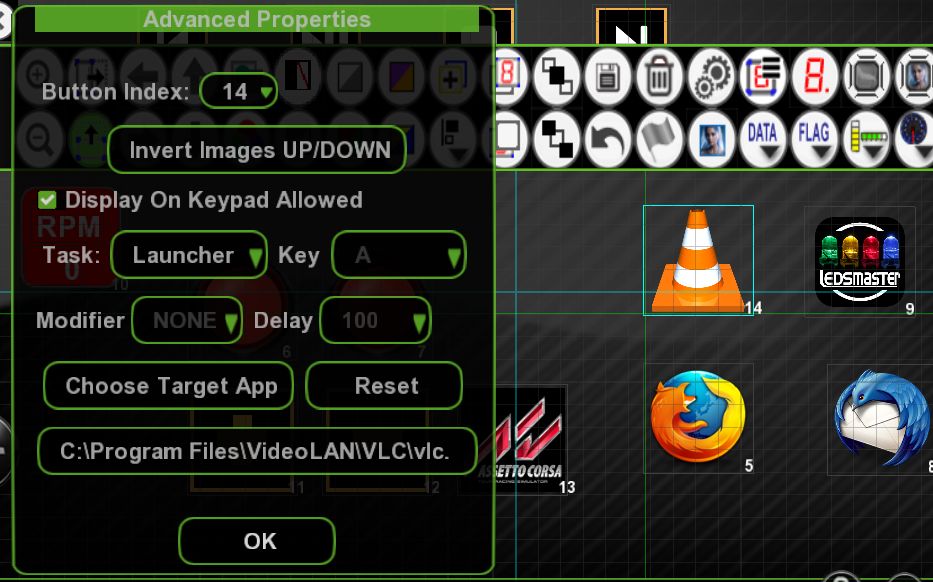
The button object allows you to define a Launcher Task that executes a target application, turning the Stream Deck into an “App Launcher.”
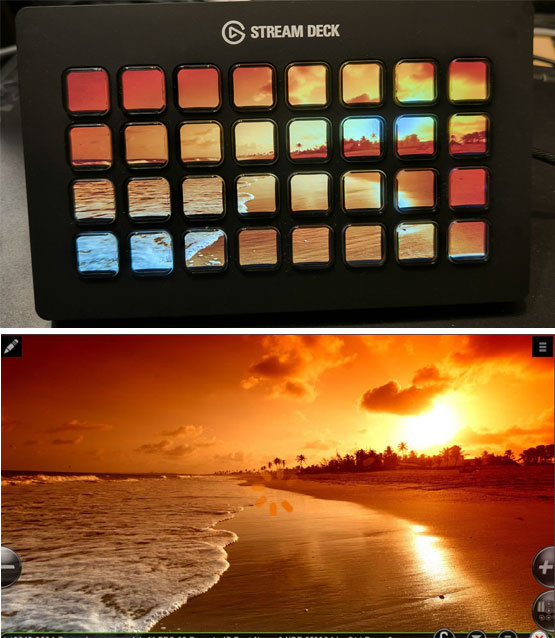
The page background automatically displays on the Stream Deck.
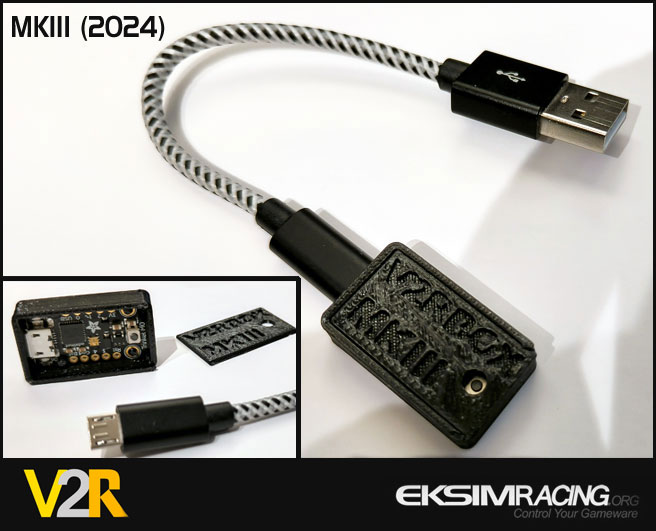
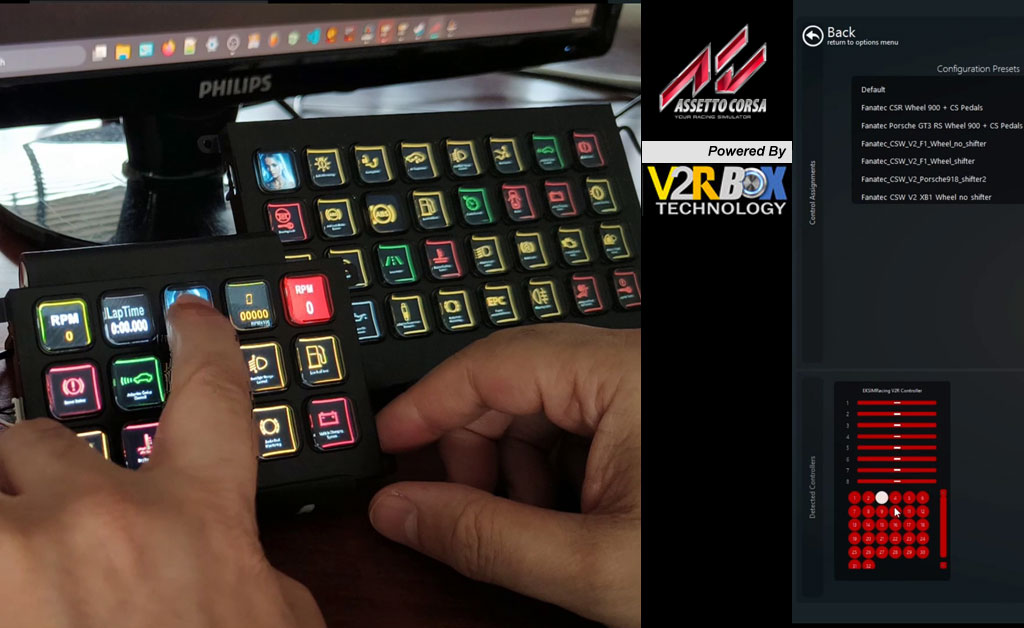
Combined with the EKSIMRacing V2R controller, OpenSR server and VDASH-EMU, the Stream Deck is transformed into a true button box compatible with all games and directly assignable in game preferences.
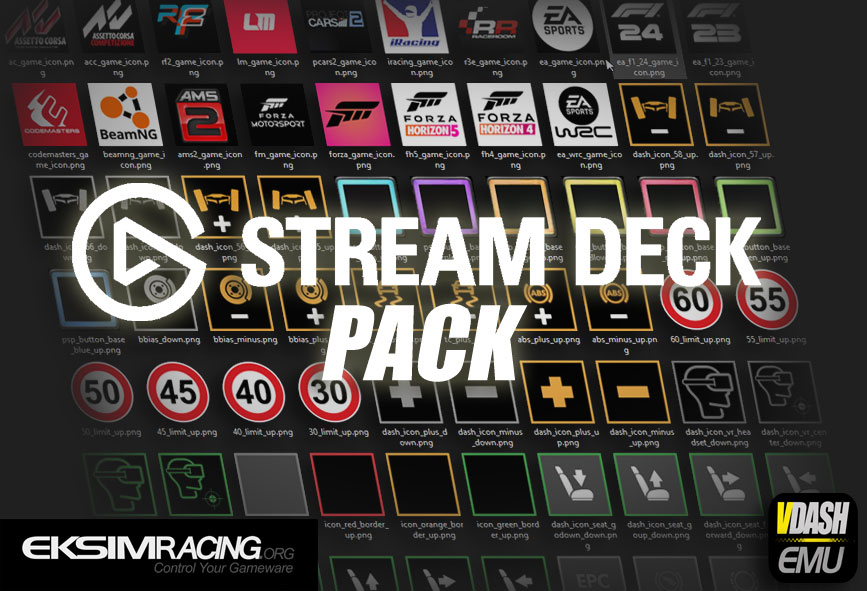
A Stream Deck pack with plenty of images (more than 120) to get started with your Stream Deck has been added.
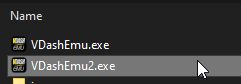
To use more than one Stream Deck, duplicate VDashEmu.exe to VDashEmu2.exe, for example, and choose another connected Stream Deck.
Register Your Stream Deck License
To register your Stream Deck License it’s easy, plug your device to your USB port, make sure it’s recognized by Windows then launch VDASH-EMU, the device should be detected automatically. Now play with the integrated Editor to check if your Stream Deck model is fully supported. After this simple test you can follow the doc online to register your device.
User Interface (UI)
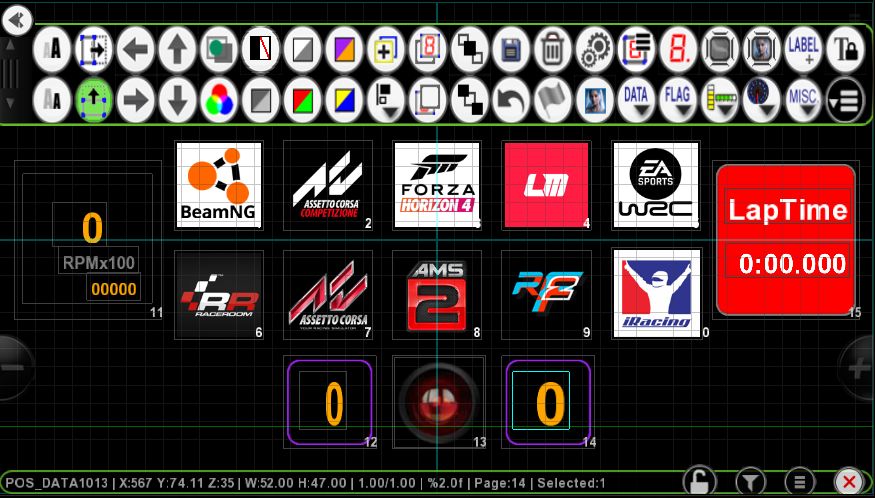
The user interface (UI) has been greatly improved.

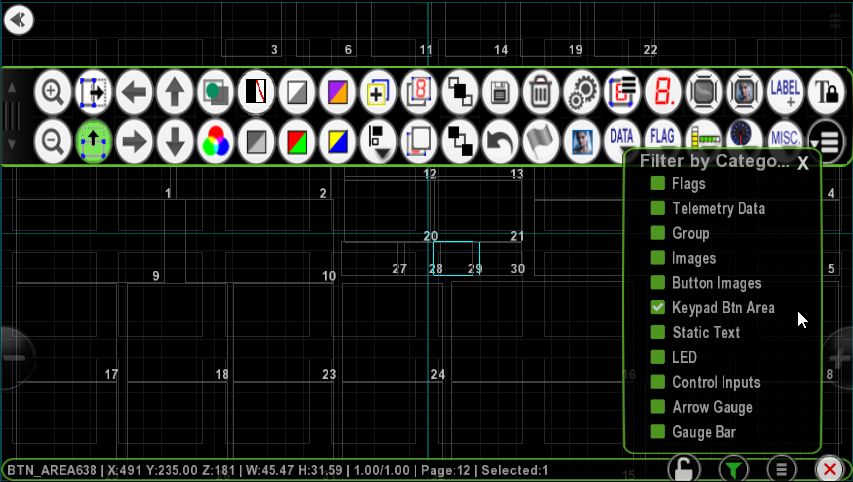
A new filtering function by object categories has been added (funnel icon in the status bar). You can activate one or more filters, and only objects from the corresponding category will be displayed, making it much easier to edit pages with dozens of elements.
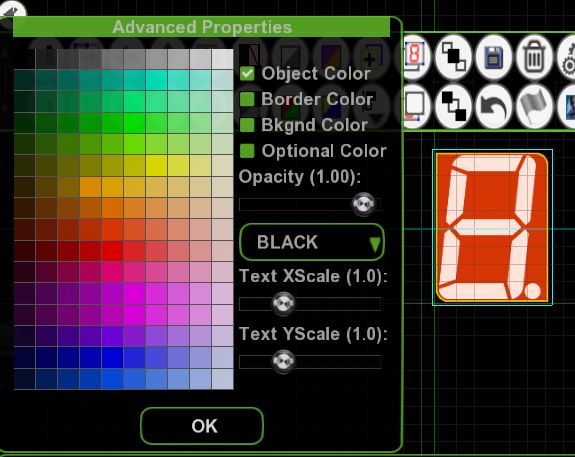
New integrated “Color Picker” (color selector) to color your objects and text on the page.
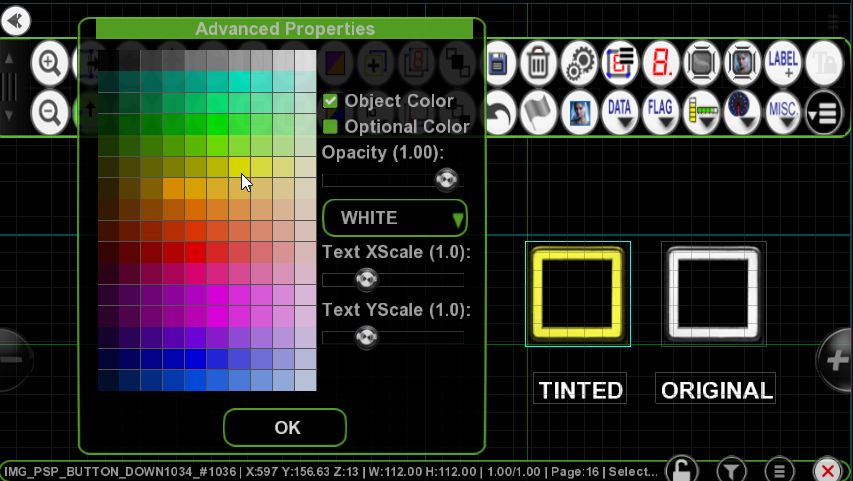
The image object can be tinted, so if you create an image with all white (light) parts, they will be colored by the tint.
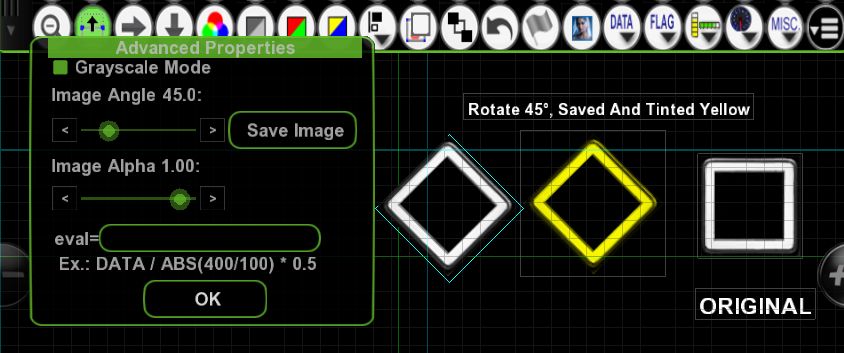
Image object: Once rotation is applied, you can create a copy of the image, avoiding the need to exit VDASH-EMU if you simply want to rotate an image that is poorly positioned.
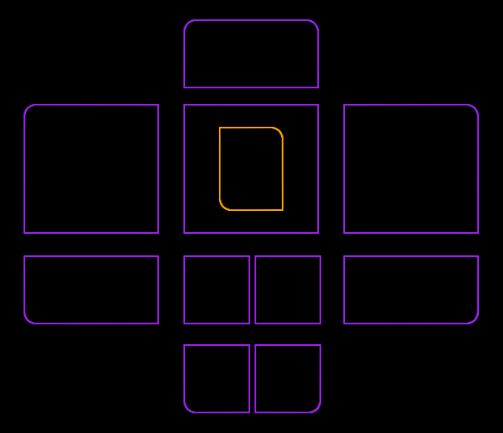
You can now define the curved or straight angle (rounded/square) of each of the 4 sides of the following objects: group, big gear, surface flag.
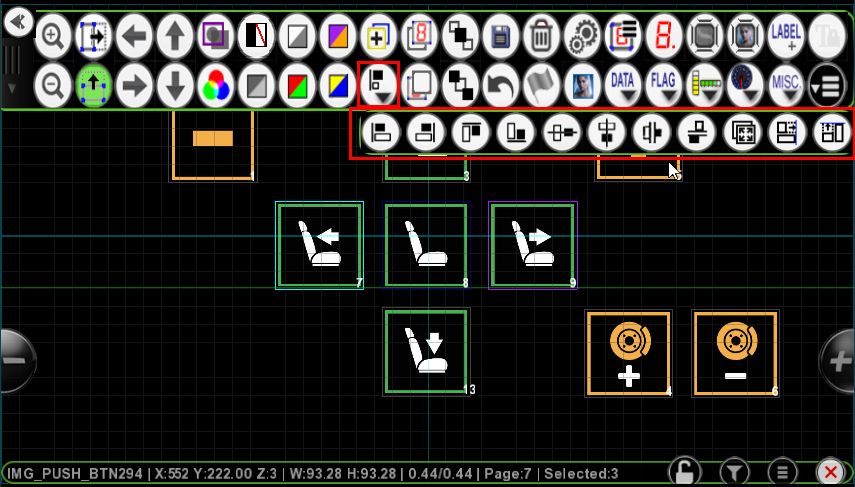
The editing bar now has a sub-menu for aligning selected objects with the following alignment functions:
left,
right,
top,
bottom,
horizontally centered,
vertically centered,
horizontally distributed,
vertically distributed,
same size,
same width,
and same height.
Editor Bar (Page Edition Mode)


New buttons directly accessible from the page editing bar for quick access to the most used functions.
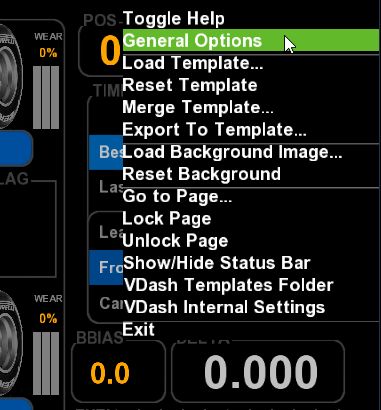
New general menu with access to VDASH-EMU general options and the most useful general functions:
page loading,
background loading,
go to a page,
open the folder containing the pages (templates) in Windows,
display the Stream Deck grid,
rotate buttons on the Stream Deck,
contextual help,
etc.
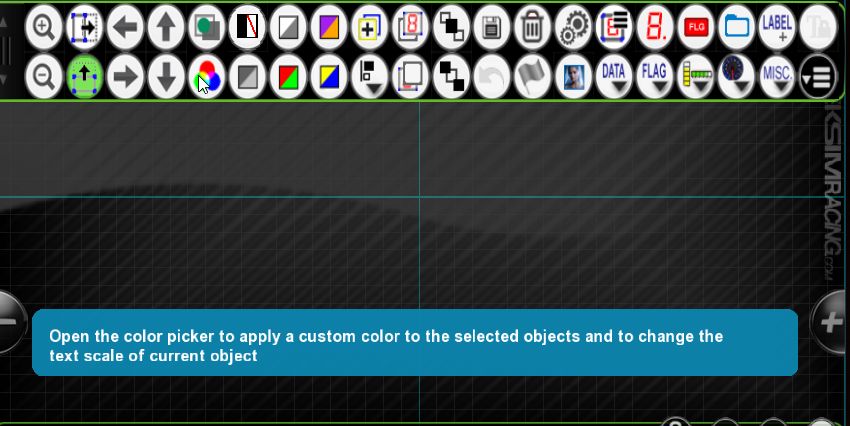
Help bubbles (Tool-tip) are available to provide a brief description of the editing and status bar buttons (Toggle Help menu).
Selection has been improved. You can now move all selected objects.

The Android version contains all the aforementioned changes except for Stream Deck management.
Many more new features to discover…