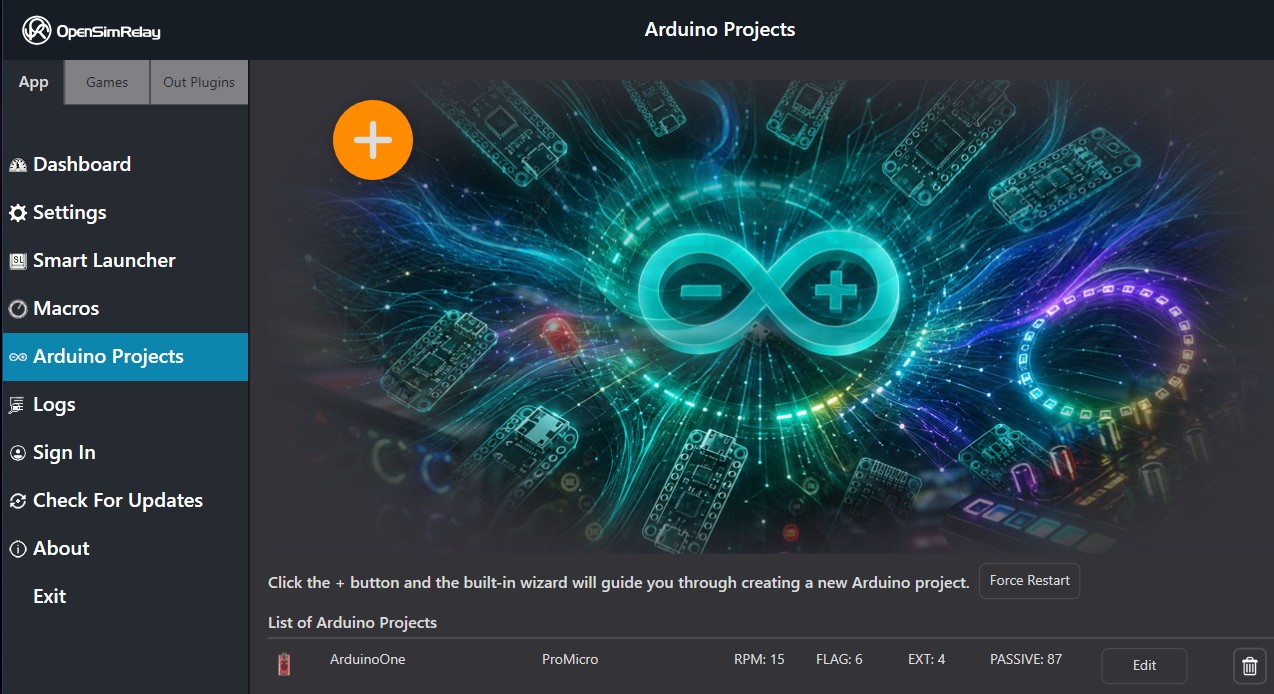
Accessing Your Projects
To begin, navigate to the Arduino Projects icon in the left-hand sidebar of the OpenSR application. This is your central hub for creating, managing, and configuring all your custom hardware profiles.
Creating a New Project
Ready to build something new?
- Locate the large orange [ + ] button in the top-left of the screen*.
- Clicking this button will launch the Integrated Wizard.
- Follow the step-by-step prompts to define your hardware, map your inputs, and configure your lighting effects.
*The big [+] button can be dragged any where with right-click and drag.
Managing Existing Projects
Your saved projects will appear in the list at the bottom of the screen. From here, you can manage your library of devices:
- Edit: Click the Edit button next to any project to modify its configuration, update LED counts, or change button mappings.
- Delete: If you no longer need a specific configuration, use the Delete button (trash icon) to remove it from your list permanently.